Verification Code Not Arriving? Causes and Fixes
Use the symptoms you can observe to rule out a wrong address, the wrong delivery channel, an explicit rejection, or an inbox-access problem before requesting another code.

Start with what you can observe
If an email verification code does not arrive, confirm the address you submitted and make sure the sender used email, not text or a phone call. Then use what you can observe: an explicit rejection, an accepted request with no visible message, an inbox you cannot open, or an older message that is gone. Correct what you can. If the address is rejected, use a durable mailbox or contact the site.
Advice that assigns a cause or a waiting time without evidence from the screen is not useful here. Your screen reports a result, not a reason, so start with the observable states in the table.

| What you see | What it means | What to do next |
|---|---|---|
| The form shows an error about the address | The site rejected the address during form submission | Use a durable mailbox for that account, or contact the site if the rejection looks like a mistake |
| The form was accepted, but no message is visible | The form accepted the request, but that does not show whether delivery completed or why no message is visible | Work through the sender's own verification screen using the steps below |
| You cannot open the inbox used for the request | Inbox access is the problem, not proof that the code failed to arrive | Reopen it with its access token |
| You reopened the inbox, but an older message is gone | An active address does not keep each message indefinitely; messages are removed on a schedule separate from the address | Request a current code if the sender allows it |
Only the first row names a cause with any confidence. An explicit error is the site telling you what it did. Everything below that row describes a result you can see without knowing what produced it. The rule behind such an error belongs to the site, and the checks a site runs against a disposable domain covers what a rejection does and does not prove.
Check the address and delivery channel
Start with the submitted address because it is visible and under your control. A wrong character before the @ changes the destination, and nothing later in the process can correct the address that was submitted.
Copy errors can happen in several ways. A partial selection can drop the last character, a manual retype can introduce a different one, and switching between saved addresses can lead you to paste an older address instead of the one now on screen. Copy the address again, compare it with any destination the form displays, and only then request another code.
Check the channel next. Some services send verification by text message or a phone call rather than by email, and a code sent to a phone number cannot arrive in an email inbox at all. Mailxus provides a free temp mail address for email delivery, but the sender decides whether to accept it and which verification channels it offers. If the form accepted the address, keep troubleshooting that submitted address; creating another disposable address would not explain why the original message is missing.
If the form accepted the address but no email appears
An accepted form followed by silence is the hardest state to work with, because it looks the same whether the message was delayed, dropped, filtered, or never built. After a form accepts a request, message creation, transfer, or receiving-system handling can still fail outside the reader's view. The screen does not reveal what happened after submission.
That rules out guessing, and it leaves one reliable source of instructions: the sender's own verification screen. Treat it as the authority on timing and retry rules.
- If it shows the destination, confirm that it matches the email inbox you can open. Many screens show a masked version such as j•••@example.com. It may still reveal a wrong domain or an address from an earlier attempt, but it cannot confirm every character before the @.
- If its resend control is disabled, a countdown is running, or an attempt notice appears, follow that instruction.
- When the control becomes available, use it without submitting repeated requests.
- If the screen reports an error, provides no next step, or its displayed retry path ends with no message visible, contact the site.
Keep the inbox open on screen while you wait. Mailxus shows incoming mail in real time, so you do not need to refresh. When a message appears, the inbox shows how long it remains available before removal.
Repeated requests are worth avoiding because the sender may enforce resend controls or invalidate an earlier code. Follow the guidance on its verification screen instead of assuming that another request is harmless.
What to do when the cause stays unclear
At some point, the honest answer is that the cause cannot be established from your side, and the question becomes what the account is worth. If the account matters or the site rejected the address outright, use a durable mailbox for that sign-up and finish the job there.
Contact the site when its own behavior looks wrong: a form that reports success and then offers no resend control, an error that names no reason, or a retry path that ends with nothing delivered. The site's support team may be able to check request or delivery records that are not visible to you.
A few senders publish enough detail to narrow the question further. For an OpenAI account, the code goes to whichever address is registered at that moment, which the guide to ChatGPT login codes works through. On X, the message on screen decides whether verification runs by email at all, as the walkthrough of X lock and recovery paths shows. A Discord restriction can be a participation setting rather than a missing message, which the breakdown of Discord server verification levels separates out.
A disposable address remains useful for low-stakes sign-ups that accept it, and it keeps the follow-up mail a signup form can set in motion out of your everyday inbox. If the site's displayed retry path ends without a message and the account matters, use a durable mailbox instead of continuing to guess.
Topics

Author
Sign-Up and Verification Tester
Nathan runs sign-up flows from start to finish to see where the confirmation message actually lands. He notes which sites take a Mailxus address without complaint, which ones turn it away, and what is worth trying when a code takes longer to show up than you expected.
Related articles
8 min read
Why Websites Block Disposable Email Addresses
Why sites reject disposable email, how domain and risk checks work, what each rejection signal proves, and the safe next step.
8 min read
How Signup Forms Lead to Inbox Spam
Under US CAN-SPAM, a covered commercial sender must honor an opt-out within 10 business days. The request cannot retrieve copies held elsewhere.
7 min read
ChatGPT Login Codes: Risks of a Disposable Inbox
OpenAI may send a six-digit login code to the registered email address. See what that means for disposable inbox access and when to change the email.
8 min read
X Account Locked? Email, Phone, and Recovery Paths
X shows one verification route at a time, and the message decides which. Losing both the linked inbox and a verified phone closes the documented paths.
8 min read
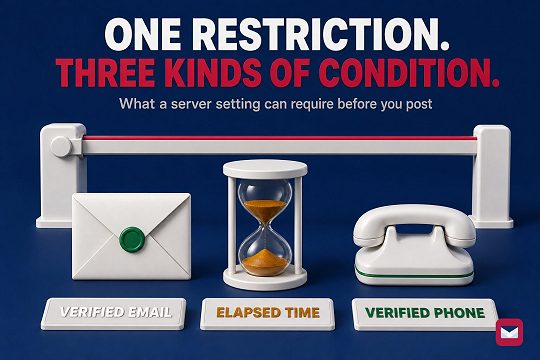
Discord Server Verification Levels: Email, Time, Phone
Discord's five server verification levels can require a verified email, elapsed time, or a verified phone. See what each level does and cannot prove.
10 min read
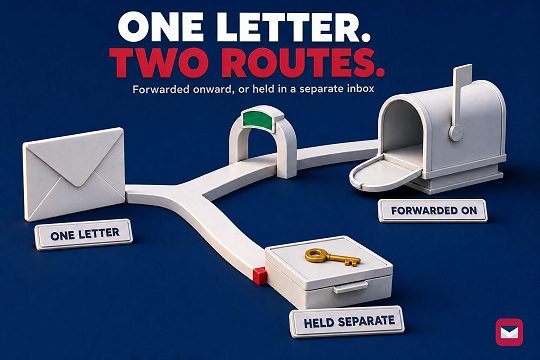
Temp Mail vs Email Aliases: How to Pick One
The alias services compared here forward into your regular inbox; reply support varies by provider and plan. Mailxus keeps mail in a separate, receive-only inbox.
8 min read
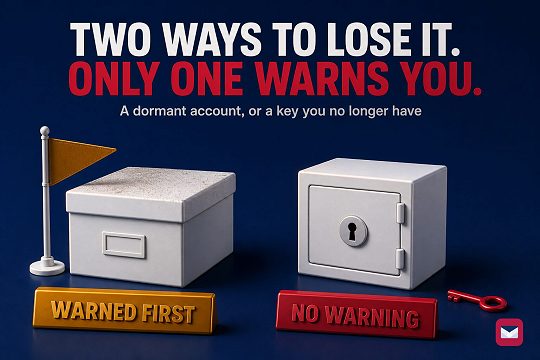
Temp Mail vs a Second Gmail Account: Which to Use
A second personal Gmail account can send; its Google Account has documented recovery. A Mailxus address has no inactivity clock, but access depends on its token.
9 min read
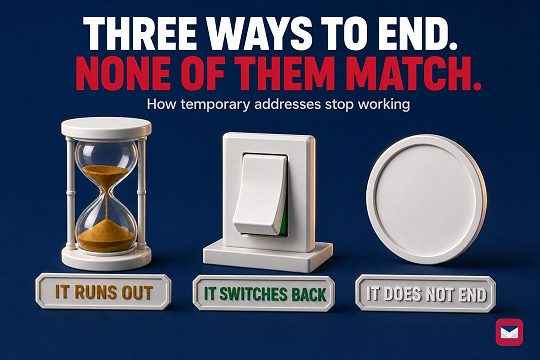
Temporary Email Expiration Models Compared
Three expiration models across six provider modes. Address activity, message retention, and inbox access are separate things.
7 min read
Disposable, Burner, or Throwaway Email: The Difference
Burner is used for three different setups, so the label alone will not tell you how one behaves. Four checks cover the architecture.


