Temp Mail vs a Second Gmail Account: Which to Use
A second personal Gmail account and a Mailxus inbox fail differently: Google may act after prolonged inactivity, while Mailxus access depends on a token and its messages are temporary.

The short answer
Use a second personal Gmail account when the signup must remain reachable for replies, receipts, or later sign-in messages. Use Mailxus for a low-stakes signup you expect to leave behind. For banking, work, government services, or critical password recovery, use your primary durable mailbox rather than either one.
The usual framing is that one option lasts and the other does not. That is not what the documentation shows. A personal Google Account can become eligible for deletion after prolonged inactivity. A Mailxus address has no inactivity deadline at all, but access depends on retaining its token, and messages are temporary. These are different failure models, not equivalent expiration clocks, and the whole decision follows from that.
Neither failure is silent in the same way. Google says it sends multiple notifications over the months before a possible deletion of an inactive personal Google Account. Mailxus cannot warn you if you lose the access token, because there is no account or recovery contact to notify.
How this comparison was checked
Mailxus publishes this article and operates the free service on one side of the comparison, so Google's advantages belong up front. A personal Gmail account can send mail and carry attachments, the personal Google Account behind it has a documented recovery process, and Gmail offers longer-term mail storage, subject to the inactivity and storage policies described below. Mailxus only receives mail and does not make attachments available.
The two sides are not symmetrical. The temp mail side describes Mailxus specifically. The Gmail side describes a personal Google Account, not an account issued by a workplace or school. An account issued by a workplace or school follows different rules in several places noted below.
Five criteria were compared: what it takes to create each one, how recovery works, whether you can send, how long messages survive, and what walking away costs. The evidence comes from Google's own help documentation, checked on August 7, 2026. No accounts were created, no test messages were sent, and acceptance rates were not measured, so this article makes no claim about which addresses websites accept more often. We excluded third-party account-creation guides and relied on Google's own documentation for Google Account behavior.
What a second personal Gmail account gives you
A second personal Gmail account gives you a complete mailbox. You can send as well as receive, which is the single largest difference in this comparison. You can attach files up to a total attachment size of 25 MB on a personal Gmail account; beyond that, Gmail replaces the attachment with a Google Drive link. On work or school accounts, a Workspace administrator sets the sending and receiving attachment limits instead.
The personal Google Account behind the Gmail address also has a documented recovery process. Recovery can fail, but having a documented process is a real advantage over an inbox with no account behind it.
Creating a personal Google Account may also involve phone verification. Google's account-creation guide lists adding and verifying a phone number as optional. Google separately says phone verification is sometimes required before account creation or sign-in, to confirm that you are a real person and to stop spammers. Whether you are asked is not something this article can predict for you.
Dots and plus tags are not a second account
Neither creates a separate Google Account or inbox. Plus tags can help organize incoming mail; dotted variants of a personal @gmail.com address are simply the same address. Neither obscures the underlying username in the address string. A dedicated alias service is the closer match for what plus tags are often reached for, and how alias features vary by provider and plan is worth reading before choosing one.
Google documents the dot behavior plainly: for a personal @gmail.com address, adding or removing dots does not change the address, the dotted variants all arrive in the same inbox, and nobody else can register one of those variants. Plus tags work alongside filters and labels, so address+gym@gmail.com is a routing tag rather than a new destination.
There is an important exception. If you use Gmail through a workplace, school, or other organization, dots do change the address. The "dots do not matter" rule applies to personal @gmail.com addresses only, so it does not transfer to an organizational address.
Two failure models, not two expiration clocks
Both options can stop working, and understanding how each one fails is more useful than asking which lasts longer.

A personal Google Account that has gone at least two years without qualifying activity across Google is treated as inactive, and Google reserves the right to delete the account along with its activity and data. Qualifying activity restarts the period. Reading or sending email, using Google Drive, watching a YouTube video, sharing a photo, downloading an app, using Google Search, or using Sign in with Google for a third-party service all count as activity. Google also says it notifies the account address and any recovery address, if one is provided, multiple times over the months beforehand. An organizational Google Account falls outside this policy, and a current or ongoing subscription, such as Google One, causes a personal Google Account to be treated as active.
Two related policies are often confused with that one. Individual Google products reserve their own rights over product data under separate inactivity policies. Staying over your storage quota for two years or more can lead to content being removed, with at least three months of notice; that is an over-quota rule about content, not the inactive personal Google Account policy. December 1, 2023, was the earliest date an account could be deleted under the policy. Google's 2023 rollout started with accounts that had been created and never used, but that was a rollout order rather than a standing rule about signup-only accounts today.

A Mailxus address fails on a completely different axis. The address has no time limit and needs no activity from you to stay alive; there is nothing to keep warm. What can be lost is the ability to read it. The access token lives in your browser, so clearing browser data or moving to another device ends access unless you saved it, and no one can restore a lost token, including the Mailxus team. Messages have their own removal schedule, separate from the address. There is also a Delete address control, and using it is permanent.
A personal Google Account has a documented recovery process, although recovery can fail, and qualifying activity or another policy exception keeps it active. Mailxus gives you an address that needs no maintenance but has no account-based recovery if you lose its token. If you would rather keep the token that reopens an inbox than maintain a personal Google Account, that is a legitimate preference.
Which one fits the job
For a signup you expect to abandon, take a disposable address from the Mailxus home page. Nothing needs to survive, and nothing needs maintenance.
For mail that might arrive later but does not matter much, either can work, and the deciding factor is which upkeep you will actually do. Mailxus works if you save the token and check the inbox before a message's removal window closes. A second personal Gmail account works if you genuinely use it, because qualifying activity keeps its personal Google Account active. If the disposable side is the one you are still weighing, the three questions that decide a temp mail service come before any feature list.
If you need to send a reply or attach a file, the comparison ends there. Mailxus only receives mail and does not make attachments available, so a Gmail account is the answer.
If a site refuses a disposable address, use a different mailbox for that site. This article does not measure how often that happens, and a separate article covers the mechanics behind that refusal.
For banking, employment, government services, or password recovery on accounts that matter, use your primary mailbox rather than either option here. For a personal Google Account, Google advises choosing a recovery email address that you use regularly and that differs from the address used to sign in.
Frequently asked questions
Does a new personal Gmail account need a phone number?
Not as a universal stated requirement for creating a personal Google Account with Gmail. Google's account-creation guide lists adding and verifying a phone number as optional. Google separately says phone verification is sometimes required before account creation or sign-in, to confirm that you are a real person and to stop spammers. Checked August 7, 2026.
Do dots create a different Gmail address?
Not on a personal @gmail.com address, where every dotted variant is the same address and reaches the same inbox. On a Gmail account provided by a workplace, school, or other organization, dots do change the address, so the rule you may have read elsewhere does not transfer.
Can I use a disposable address for personal Google Account recovery?
It is a poor choice. A recovery address only helps if you can still read it when you need it, and Mailxus access depends on a token that cannot be restored if it is lost. Recovery is exactly the case where you want the mailbox that is hardest for you to lose.
What about Google Shielded Email?
As of August 7, 2026, our search found no Google Help Center or product-blog announcement for a Google feature called Shielded Email. Do not treat it as an available Google option without official documentation.
Topics

Author
Service Comparisons Editor
Grant lines temp mail services up side by side and stays on the details that decide the answer: how long a message stays readable, whether you can come back to the same address later, and what the service holds on to once you close the tab.
Related articles
9 min read
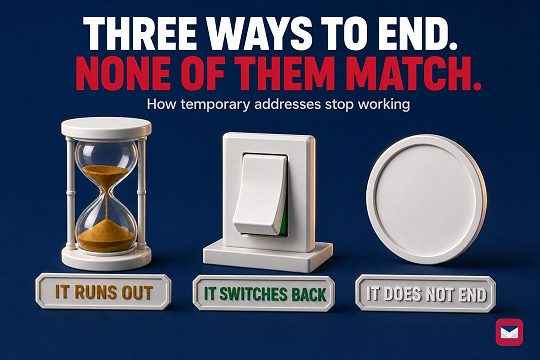
Temporary Email Expiration Models Compared
Three expiration models across six provider modes. Address activity, message retention, and inbox access are separate things.
7 min read
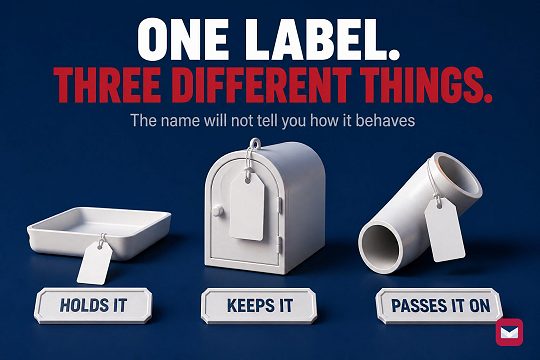
Disposable, Burner, or Throwaway Email: The Difference
Burner is used for three different setups, so the label alone will not tell you how one behaves. Four checks cover the architecture.
6 min read
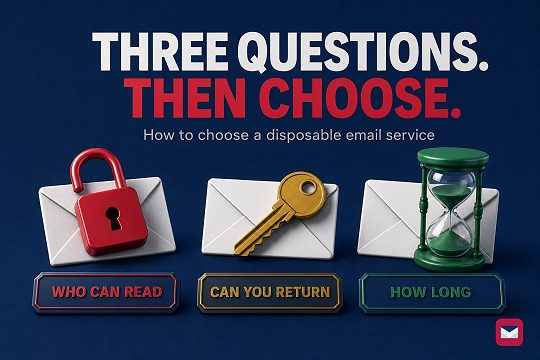
How to Choose a Temp Mail Service That Fits
Choose a disposable email service by checking who can open the inbox, whether you can return later, and how long the address and messages remain available.
10 min read
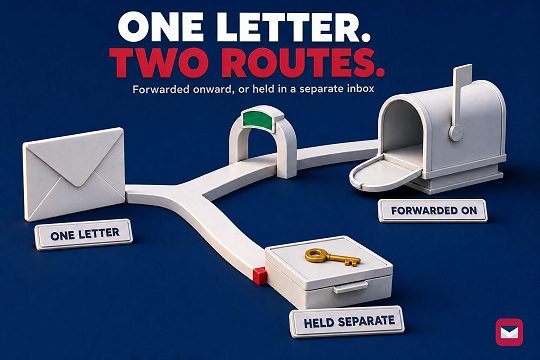
Temp Mail vs Email Aliases: How to Pick One
The alias services compared here forward into your regular inbox; reply support varies by provider and plan. Mailxus keeps mail in a separate, receive-only inbox.
8 min read
X Account Locked? Email, Phone, and Recovery Paths
X shows one verification route at a time, and the message decides which. Losing both the linked inbox and a verified phone closes the documented paths.
8 min read
Discord Server Verification Levels: Email, Time, Phone
Discord's five server verification levels can require a verified email, elapsed time, or a verified phone. See what each level does and cannot prove.
8 min read
Why Websites Block Disposable Email Addresses
Why sites reject disposable email, how domain and risk checks work, what each rejection signal proves, and the safe next step.
7 min read
ChatGPT Login Codes: Risks of a Disposable Inbox
OpenAI may send a six-digit login code to the registered email address. See what that means for disposable inbox access and when to change the email.
8 min read
How Signup Forms Lead to Inbox Spam
Under US CAN-SPAM, a covered commercial sender must honor an opt-out within 10 business days. The request cannot retrieve copies held elsewhere.


